
Best Ergonomic Office Chairs for Back Pain (2026): 5 Picks by Budget and Body Type
Compare chairs by budget, lumbar support and fit, with specs checked against manufacturer data and OSHA guidance.
By Alfred Rilloraza · Published October 19, 2026 · Updated October 19, 2026
We may earn a commission from links on this page. Paid links are labeled.
Quick answer
The Steelcase Gesture is our top pick for most people who can spend more, thanks to its highly adjustable arms and flexible back. On a budget, the Sihoo M57 offers adjustable lumbar support at a much lower price tier. If you want lumbar support that adjusts by itself, choose the Sihoo Doro C300.
This guide is general information, not medical advice. If you have ongoing back pain, talk to a clinician or physical therapist.
Our top picks at a glance
BEST FOR LOWER BACK SUPPORT
Sihoo Doro C300
Lumbar support that adjusts automatically as you move.
Check latest pricePaid linkWhy this guide
A chair can't fix every back problem, but the wrong one can make long desk days harder than they need to be. This guide compares five ergonomic office chairs across three price tiers: the Sihoo M57 (budget), the Sihoo Doro C300 (mid-range), and three premium chairs from Steelcase and Herman Miller.
We focused on what workplace-safety guidance says a computer chair should do. OSHA's workstation checklist asks for lumbar support for the lower back, an adjustable seat height, a seat that fits the user's thigh length, adjustable armrests, and a sturdy five-leg base. Whether you work at a home desk for a few hours or most of the day, the goal is a chair that fits your body, not just one that looks good in photos.
Prices change often, so we show price tiers instead of exact prices. Use the buttons to see the current price.
How we chose
We have not hands-on tested these chairs. We built this list from three kinds of evidence: manufacturer specifications (adjustments, materials, weight ratings and warranties), workplace-ergonomics guidance from OSHA and other safety agencies, and published expert and owner reviews.
Each chair had to meet a short checklist: seat height adjustment, a way to fit different leg lengths, lumbar support, adjustable armrests, recline, a clear weight rating, a warranty, and a price tier. We then grouped chairs by budget so you can compare like with like.
Where sources disagree, for example on a chair's weight rating, we say so and tell you to check the exact version you're buying. We earn a commission if you buy through our links, at no extra cost to you. Commissions do not decide which chairs make the list or how they rank.
BEST OVERALL
1. Steelcase Gesture
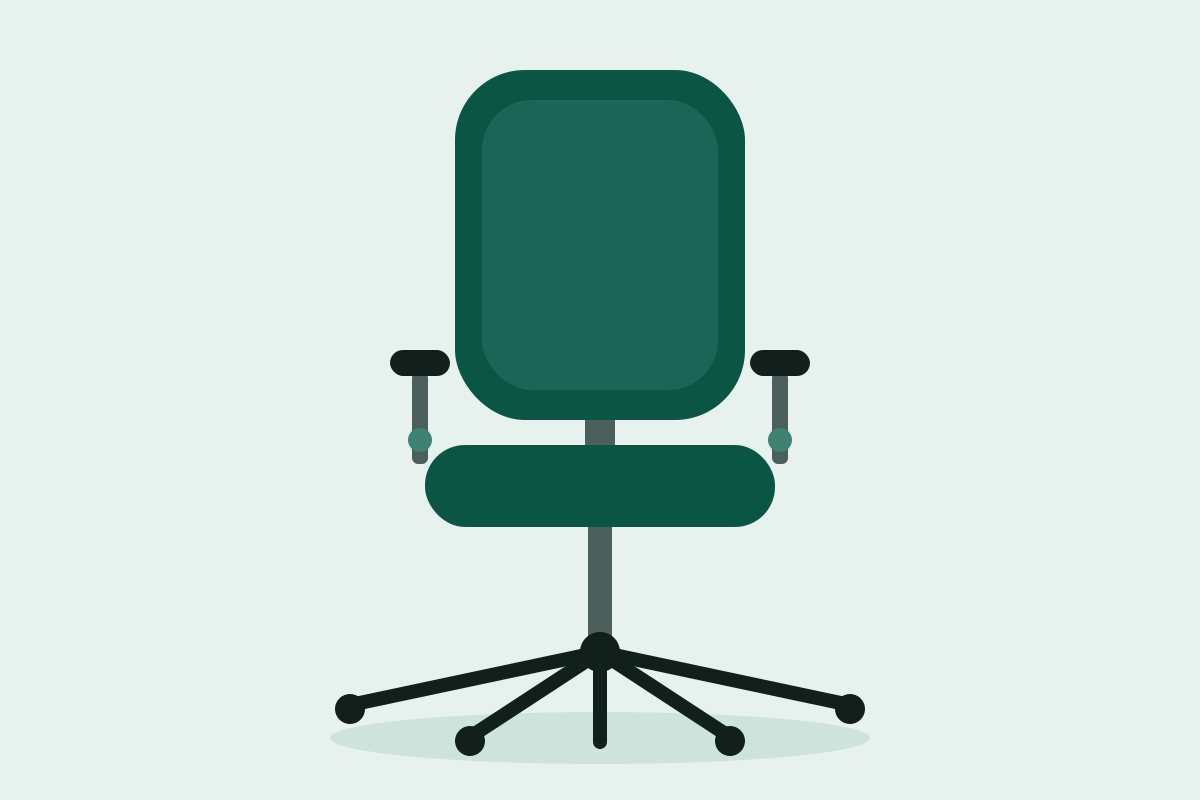
Illustration of this type of chair. See the product page for photos.
The Steelcase Gesture is our pick for most people who can spend more on a chair they'll keep for years. Its standout feature is the arms. Steelcase says they move through a full 360 degrees and stay parallel to your work surface as you recline, so your forearms stay supported whether you're typing, using a mouse, or holding a phone.
The back uses a flexible design Steelcase calls 3D LiveBack, built to follow your spine as you change position, and the seat and back move together as one system. Retailer specifications list a 20-inch-wide seat and a seat depth of roughly 15.75 to 18.5 inches, which suits many body sizes. Steelcase rates the chair for users up to 400 pounds and backs it with a 12-year warranty. It arrives fully assembled. Lumbar support and a headrest are options on some versions, so check which one you're buying.
The trade-offs are price and feel. This is a premium chair, and most versions use a fabric or shell back rather than mesh, so it may run warmer than a mesh chair. If you want the most adjustable arms and a back that moves with you, and you plan to keep the chair for a decade, Gesture is a strong place to start.
- 360-degree arms
- 3D LiveBack
- Up to 400 lb
- 12-year warranty
Pros
- Highly adjustable arms
- Flexible back that follows movement
- Arrives fully assembled
- High weight capacity
Cons
- Premium price
- Not a mesh chair, so it may feel warmer
Who should skip this: Skip it if you want the lowest price or a mesh back.
Price tier: Premium
Check latest pricePaid linkBEST BUDGET
2. Sihoo M57
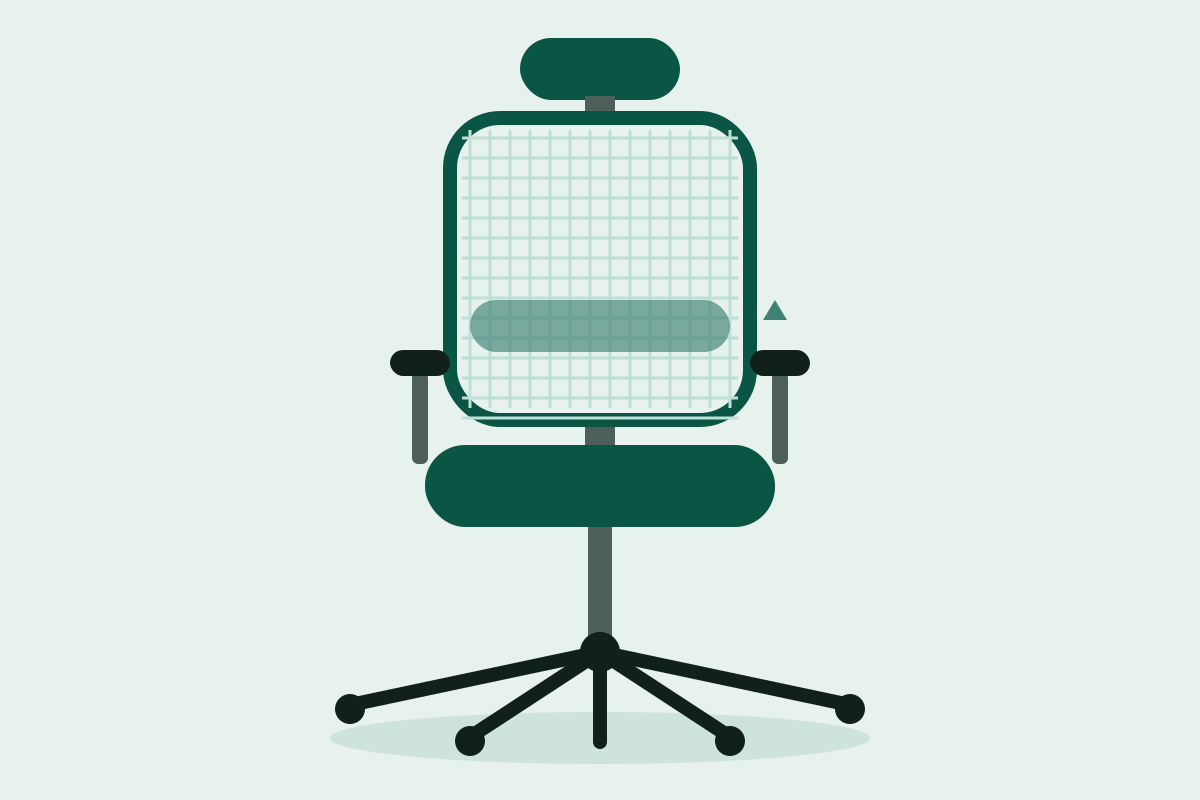
Illustration of this type of chair. See the product page for photos.
If you want an adjustable ergonomic chair without a premium price, the Sihoo M57 is where we'd start. It packs many of the adjustments ergonomics checklists look for into a budget-tier chair: height-adjustable seat, adjustable lumbar support, 3D armrests, an adjustable headrest and a reclining back.
Retailer specifications describe the lumbar support as manually adjustable about 4.8 centimeters up and down and 3 centimeters forward and back, so you can move the support to the curve of your lower back instead of accepting a fixed bulge. The seat and back are mesh, which helps airflow in long sessions. Sihoo says the chair is certified to BIFMA and SGS standards.
Read the specification on your exact listing before you order. Retailers list the weight rating as 130 to 150 kilograms, and recline ranges differ from 120 to 130 degrees. That matters most if you're on the heavier side. The chair ships unassembled, and Sihoo describes assembly as an eight-step process.
The trade-offs are the usual ones at this price. The lumbar support is manual, so expect a few days of fine-tuning, and the recline mechanism is simpler than the synchronized systems on premium chairs. For many home offices, that's a fair trade.
- Adjustable lumbar height and depth
- 3D armrests
- Adjustable headrest
- Mesh seat and back
Pros
- Many adjustments for the price
- Mesh for airflow
- Lumbar adjusts in two directions
Cons
- Manual lumbar needs fine-tuning
- Weight rating varies by listing
- Assembly required
Who should skip this: Skip it if you're near the weight rating or want a premium synchronized recline.
Price tier: Budget
Check latest pricePaid linkBEST FOR LOWER BACK SUPPORT
3. Sihoo Doro C300
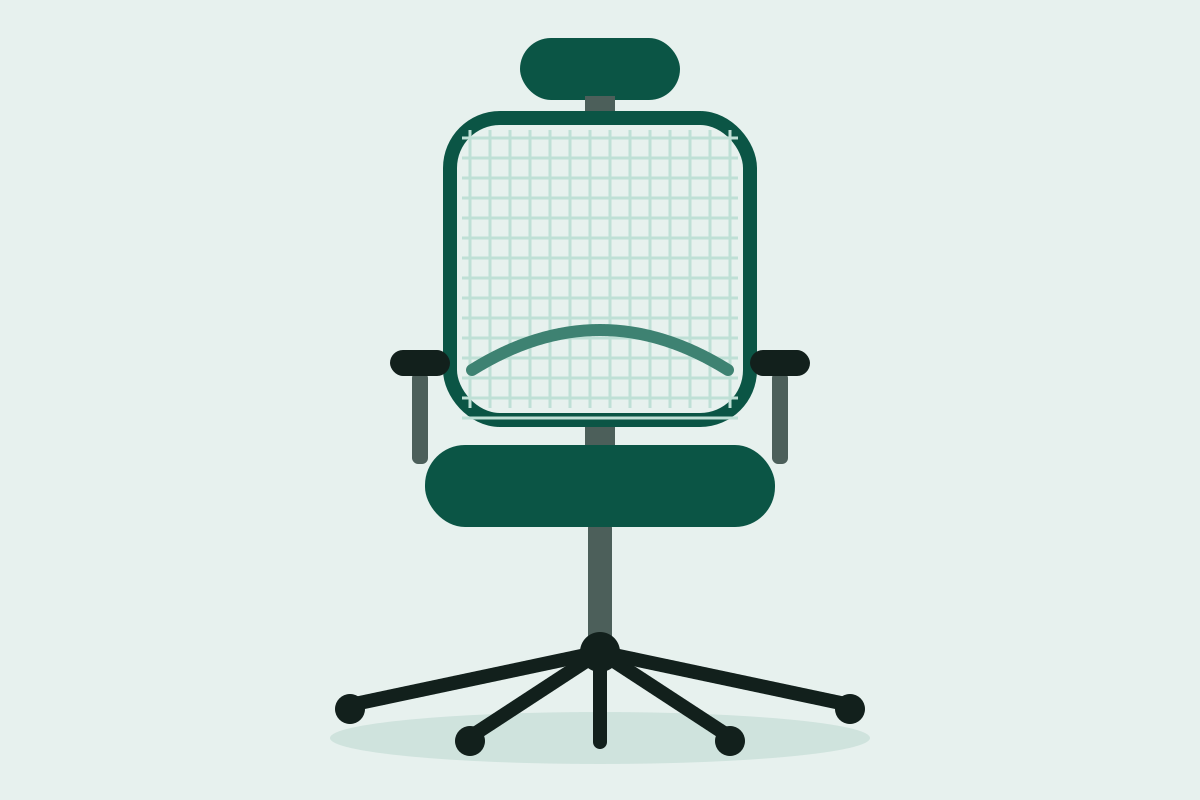
Illustration of this type of chair. See the product page for photos.
The Doro C300 takes a different approach to lumbar support. Instead of a pad you set once, Sihoo describes a self-adaptive lumbar system that adjusts as you twist, turn or recline. That makes it worth considering if you shift positions often or don't want to fiddle with settings.
The seat has a waterfall-shaped front edge to reduce pressure on the thighs, a feature OSHA's checklist also lists as desirable. The chair adds 4D armrests, a headrest adjustable in three dimensions, a recline of up to 130 degrees, a mechanism that responds to your body weight, and breathable mesh. A footrest version exists, so confirm which version you choose. Sihoo says the chair has been tested to BIFMA and SGS standards, and it lists a 300-pound maximum weight capacity.
Two cautions. Because the lumbar support is automatic, you have less control over where it sits, so if you need support at a specific height, consider the M57 or a premium chair. The chair also ships unassembled. Sihoo advertises a 30-day return window on its own store, but return terms depend on where you buy, so check them before ordering. It's a sensible step up for people who find budget lumbar supports too fixed.
- Self-adaptive lumbar support
- Waterfall seat
- 4D armrests
- Up to 300 lb
Pros
- Automatic lumbar support that follows movement
- Adjustable headrest and 4D arms
- Waterfall seat edge
- Mesh for airflow
Cons
- Less manual control of lumbar position
- Arrives unassembled
Who should skip this: Skip it if you want to set lumbar height yourself or need more than 300 lb of capacity.
Price tier: Mid-range
Check latest pricePaid linkBEST MESH CHAIR
4. Herman Miller Aeron
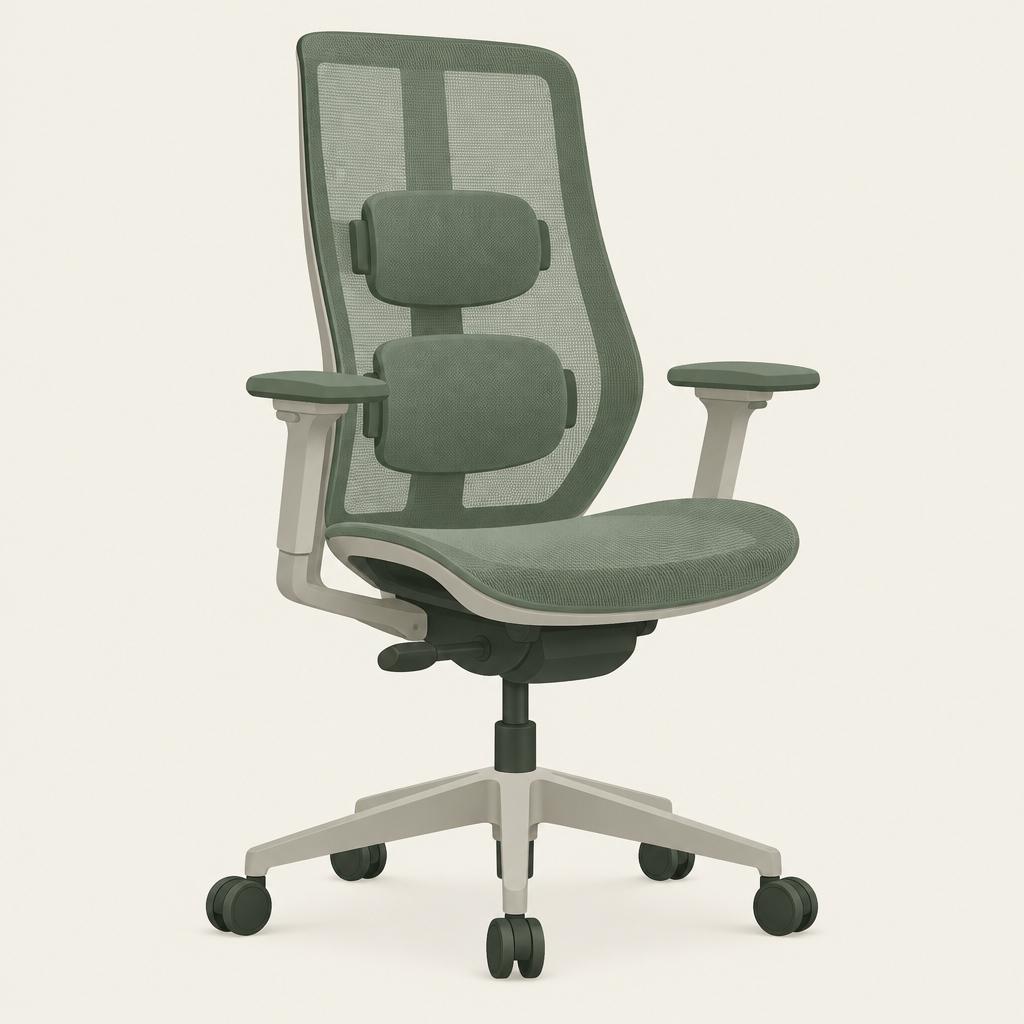
Illustration of this type of chair. See the product page for photos.
The Aeron is the classic mesh ergonomic chair, and the main reason to buy it is fit. It comes in three sizes, with weight capacities of 300 pounds for size A, 350 for size B and 400 for size C. Herman Miller recommends size B for most people who fall between A and C. The right size is the biggest factor in how well this chair works for you, so use the maker's sizing chart before you buy.
The Aeron uses Herman Miller's 8Z Pellicle suspension material and PostureFit SL back support. PostureFit SL has two pads: one supports the base of the spine and the other supports the lumbar region. Some configurations have adjustable PostureFit SL pads, so check which version you're choosing. Arms, seat height, depth and recline are all adjustable, the chair comes fully assembled, and the warranty is 12 years.
The trade-offs: it's expensive, mesh feels different from a cushioned seat, and some people prefer a softer one. Buying the wrong size is also a real risk. If you're between sizes, buy from a seller with a clear return policy.
- 8Z Pellicle mesh
- PostureFit SL
- Sizes A, B and C
- 12-year warranty
Pros
- Breathable mesh
- Three sizes
- Size C supports up to 400 lb
- Arrives assembled
Cons
- Premium price
- Sizing mistakes are costly
- Some configurations have fixed support
Who should skip this: Skip it if you can't easily return a wrong size or you prefer a cushioned seat.
Price tier: Premium
Check latest pricePaid linkBEST SPLURGE
5. Herman Miller Embody
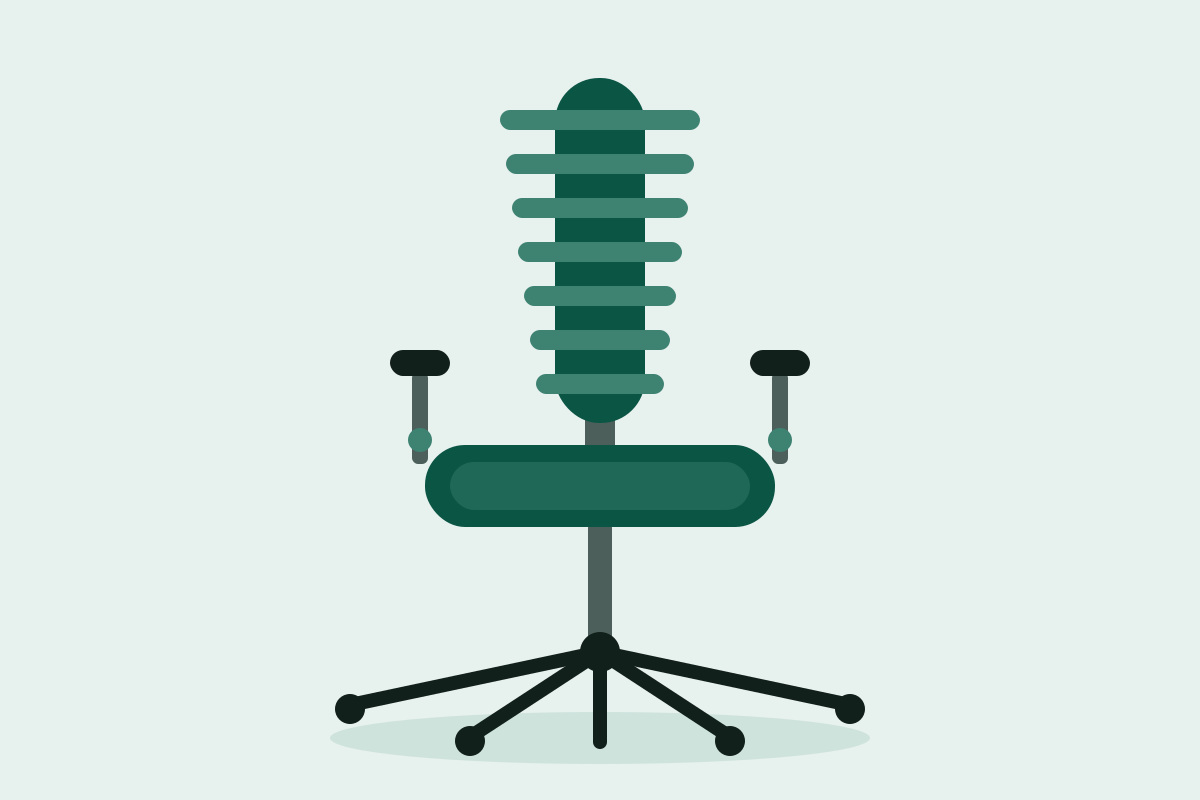
Illustration of this type of chair. See the product page for photos.
The Embody is for people who spend long stretches at a computer and want the most engineered support Herman Miller sells. Its Pixelated Support system and narrow back, which has a central spine and flexible ribs, are designed to move with small shifts in your posture. A BackFit adjustment lets you line the backrest up with your spine's natural curve, and the seat has four layers of support materials.
Herman Miller designed it specifically for people who sit in front of computers for long periods. It has a pneumatic seat lift and repositionable arms, a 300-pound weight capacity and a 12-year warranty. Some versions also list adjustable seat depth, so confirm the version you're buying.
This is the most expensive chair on our list. A narrow back is a deliberate design choice, and fit is personal, so buy from a seller with a clear return policy. If you're above 300 pounds, look at the Gesture or an Aeron size C instead.
- Pixelated Support
- BackFit adjustment
- Four-layer seat
- Up to 300 lb
- 12-year warranty
Pros
- Back designed to move with small posture changes
- Four-layer seat
- BackFit adjustment
- Built for computer work
Cons
- Highest price on our list
- 300 lb limit
- Narrow back isn't for everyone
Who should skip this: Skip it if you're over 300 lb or on a tight budget.
Price tier: Premium
Check latest pricePaid linkSide-by-side comparison
| Product | Price tier | Best for | Key feature | Weight rating | Link |
|---|---|---|---|---|---|
| Steelcase Gesture | Premium | Most people who can spend more | 360-degree arms | 400 lb | Check latest pricePaid link |
| Sihoo M57 | Budget | Adjustable support on a budget | Lumbar adjusts up/down and in/out | Check your listing | Check latest pricePaid link |
| Sihoo Doro C300 | Mid-range | Automatic lumbar support | Self-adaptive lumbar | 300 lb | Check latest pricePaid link |
| Herman Miller Aeron | Premium | Mesh and sizing options | 8Z Pellicle mesh, 3 sizes | 300/350/400 lb by size | Check latest pricePaid link |
| Herman Miller Embody | Premium | Long computer sessions | Pixelated Support | 300 lb | Check latest pricePaid link |
Ergonomic chair buying guide
Lumbar support
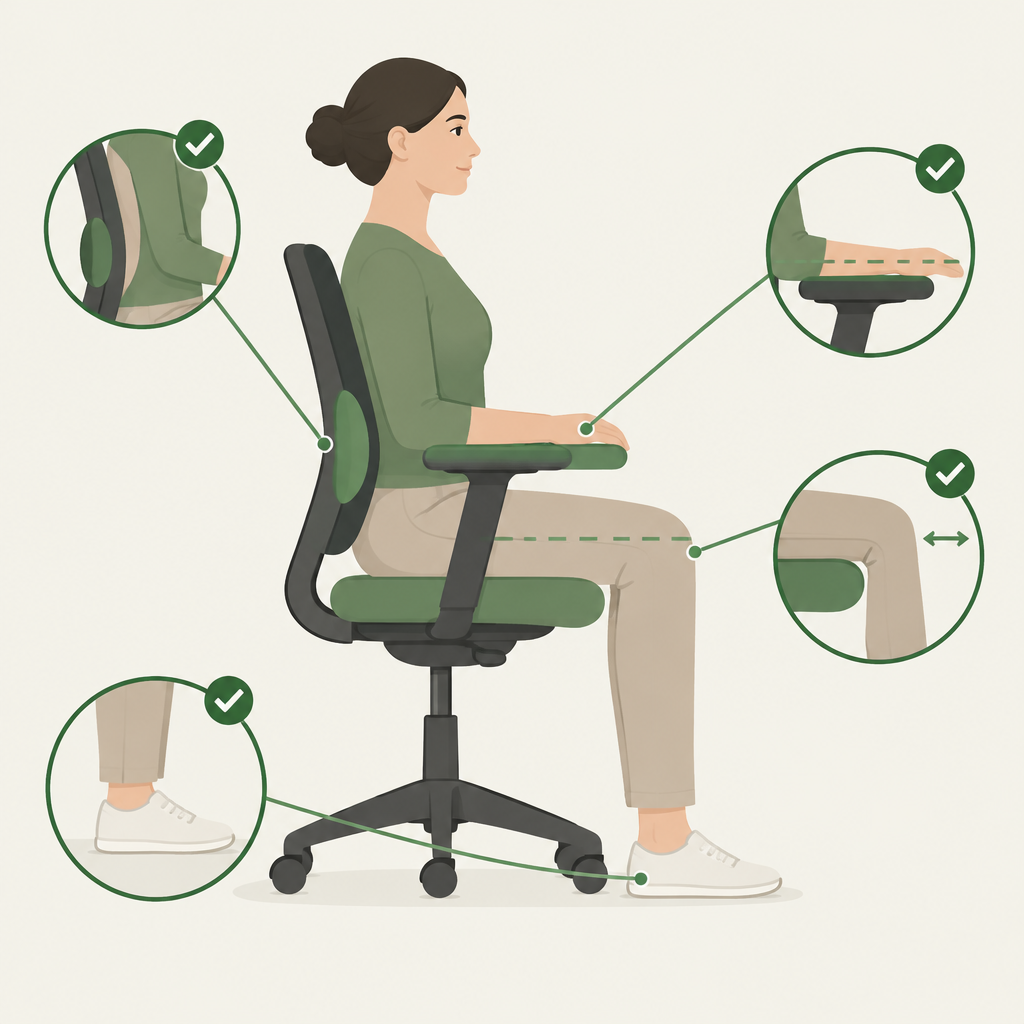
Look for a backrest that supports your lower back. OSHA's checklist asks whether the back is fully supported and whether the backrest height adjusts to reach the lower back. Adjustable lumbar support helps because backs are shaped differently. Automatic systems like the Doro C300's remove the fiddling but give you less control. A fixed pad only works if its position happens to match your back. When you set up the chair, sit all the way back and move the support until it fits the inward curve of your lower back.
Seat height and depth
Your feet should rest flat on the floor or on a footrest, with your knees level with or slightly below your hips. Seat depth matters just as much: OSHA's checklist says the seat should be deep enough to support the thigh but not press against the back of the knees. Cal/OSHA's consultation service suggests a gap of about 2 to 4 inches between the back of your knees and the seat edge. If a chair doesn't adjust seat depth, compare its seat size with your leg length.
Armrests and recline
Armrests should support your forearms without lifting your shoulders. Cal/OSHA's guidance is to set them slightly below your elbows when your shoulders are relaxed. Look for height and width adjustment at minimum. 3D or 4D arms add depth and angle changes. OSHA's checklist describes the torso as vertical to slightly reclined, so a modest recline range is enough for most desk work.
Materials, warranty and returns
Mesh breathes better than most cushioned fabrics, while padded seats feel softer. Neither is better for everyone. Check the warranty length and what it covers, since moving parts take the most wear. Herman Miller says the Aeron warranty covers components such as casters, pneumatic cylinders and tilt mechanisms. A chair that doesn't fit can't be fixed by adjusting it, so confirm the return terms for your specific seller and keep the packaging for the first few weeks.
Frequently asked questions
How much should I spend on an ergonomic office chair?
There's no required price. Budget chairs like the Sihoo M57 offer adjustable lumbar support and 3D arms, and mid-range chairs add features like automatic lumbar support. Premium chairs from Steelcase and Herman Miller typically add finer adjustments, size options and longer warranties. Spend more if you sit most of your day and plan to keep the chair for years.
What features matter most for back support?
Prioritize adjustable seat height and depth, a backrest that supports your lower back, adjustable armrests and a stable five-leg base. All four appear on OSHA's computer workstation checklist. After those, recline and a seat that fits your leg length affect comfort in long sessions.
How long should an office chair last?
It depends on the build, your weight and how many hours you sit. Warranty length is a useful clue: Herman Miller lists 12 years for the Aeron and Embody, and Steelcase lists 12 years for the Gesture. Sihoo warranties vary by retailer and region, so check your listing.
Is a mesh chair better than a padded one?
Neither is better for everyone. Mesh, like the Aeron's Pellicle or the Sihoo chairs, lets air through and can feel cooler. Padded or upholstered backs, like the Gesture's, feel softer. Choose based on how you sit, how warm you run and which feels better during a trial.
How do I set up my chair correctly?
Set the seat height so your feet are flat and your knees are level with or slightly below your hips. Leave a small gap behind your knees, set the lumbar support to the curve of your lower back, and place your armrests slightly below your elbows. Then adjust your keyboard and monitor to match.
Sources
- OSHA Computer Workstations eTool: Purchasing guide
- Steelcase Gesture product page
- Herman Miller Aeron product page
- Herman Miller Embody product page
- Cal/OSHA Consultation Service: chair ergonomics guidance
- Sihoo product pages and retailer specifications